How do I convert a lead to a contact?
To convert a lead to a contact, go to the lead's detail view and initially press the button Complete Now and select a Lead source and a Contact Role for the new contact from the drop-down menus.
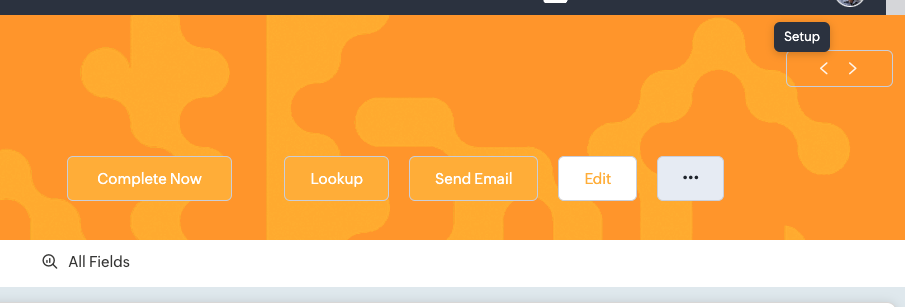
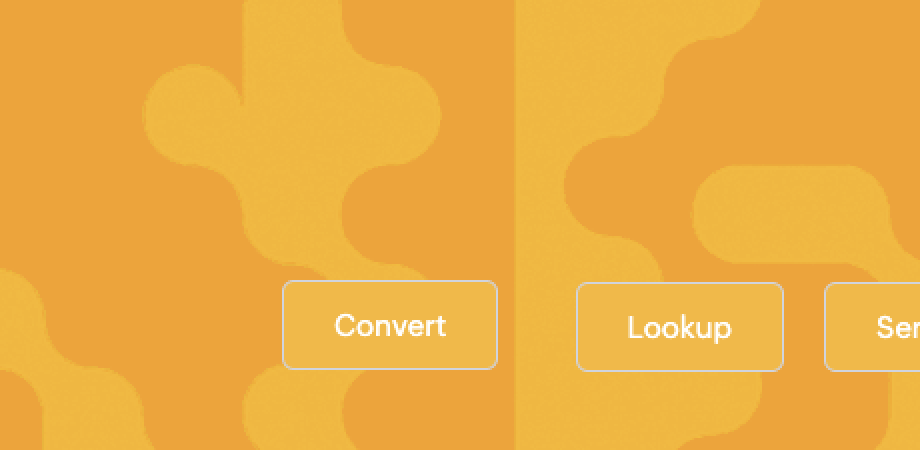
Once you have completed the lead, the button Convert will appear in the lead's button options. By pressing the button, you are directed to a window pop-up, in which you can specify the details of the lead conversion (e.g. you can choose whether to notify the lead owner for the conversion, carry over the lead's tag etc.)
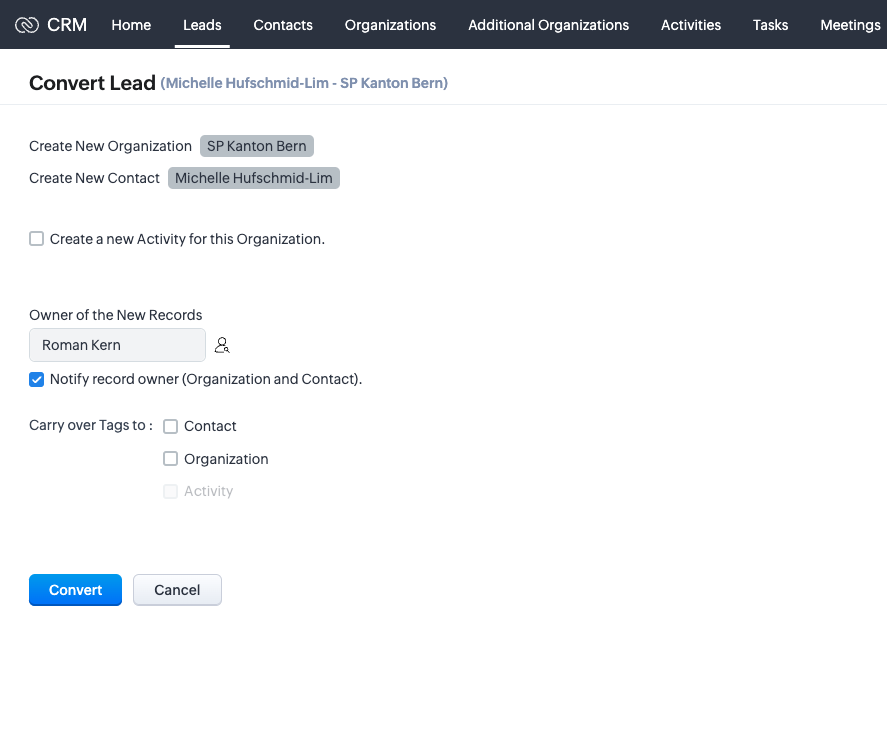
Once you press the Convert button, all the information you specified are automatically assigned to the new contact you created (along with the existing information, such as Name, Email, Title etc.)
At the moment, mass conversions are only possible only for administrator (non-standard) accounts.
*IMPORTANT: In case you realise that some data have not been transferred normally from the lead to the new contact, you should report the problem to us: zoho@swissnex.org. Keep also in mind that you can always fill-in the missing data afterwards via the Edit button in the contact's detail view (recommended until you receive a respond from us).